



Description
Build a Tower with Magic Physics
Overview
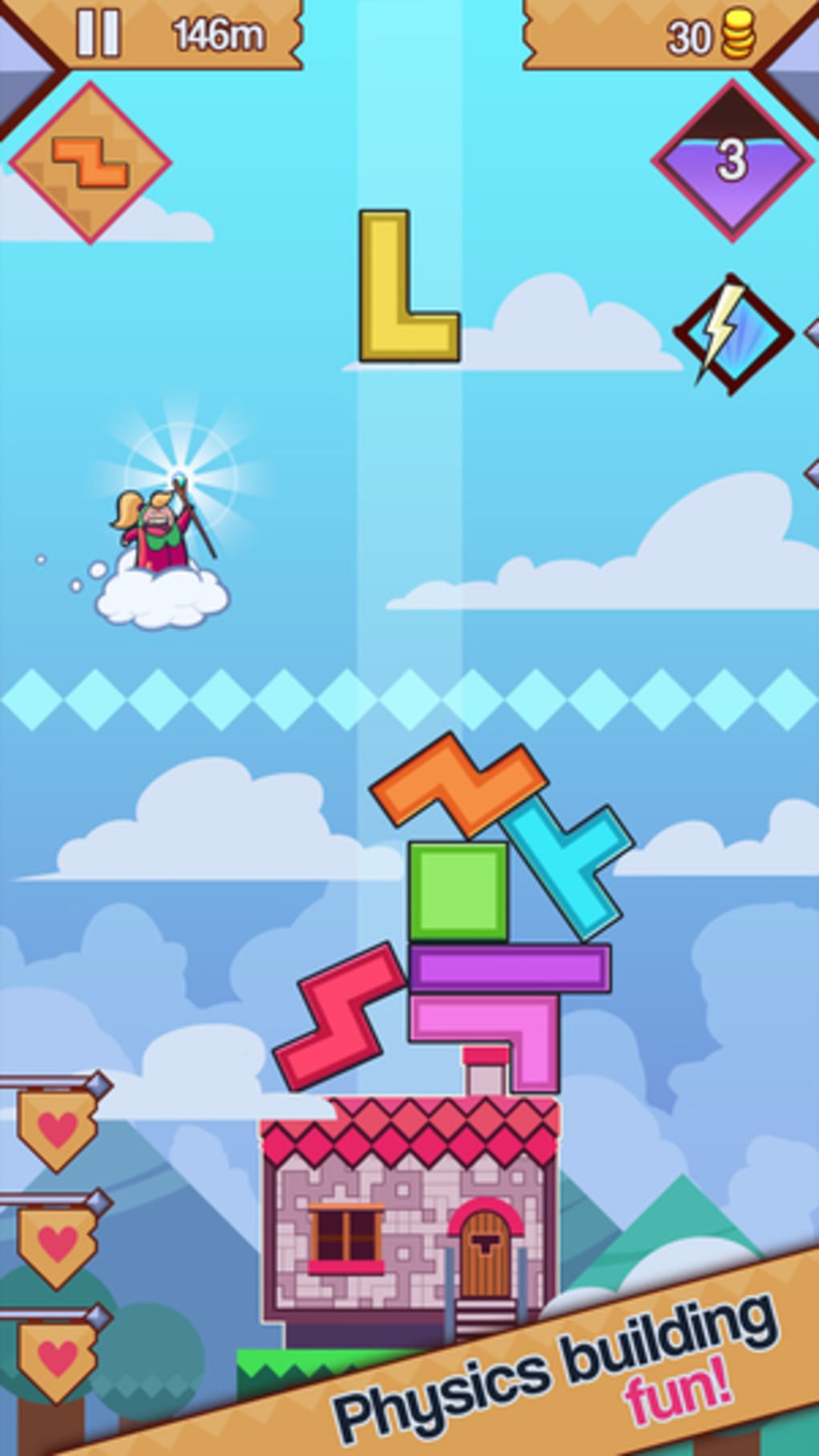
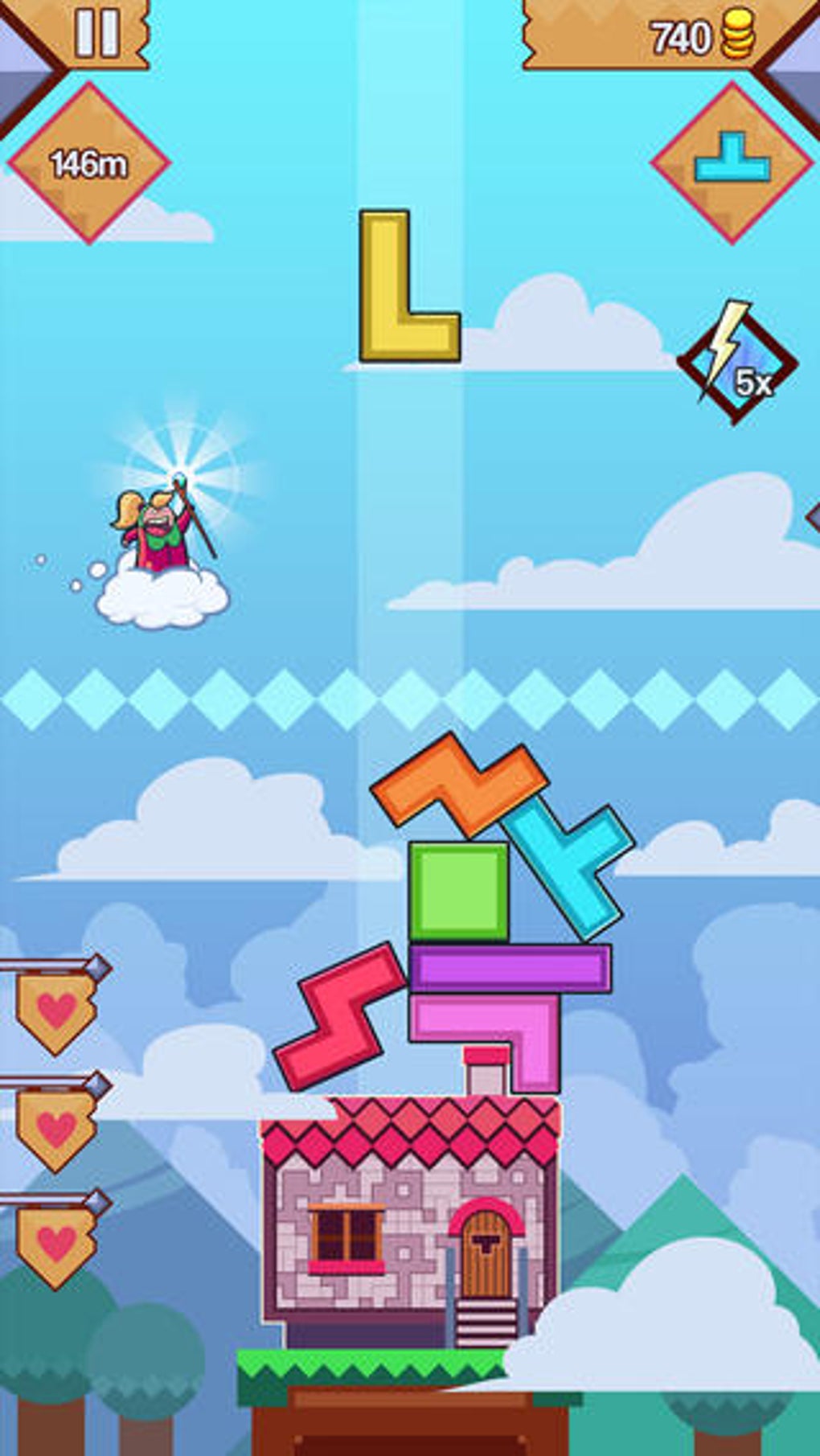
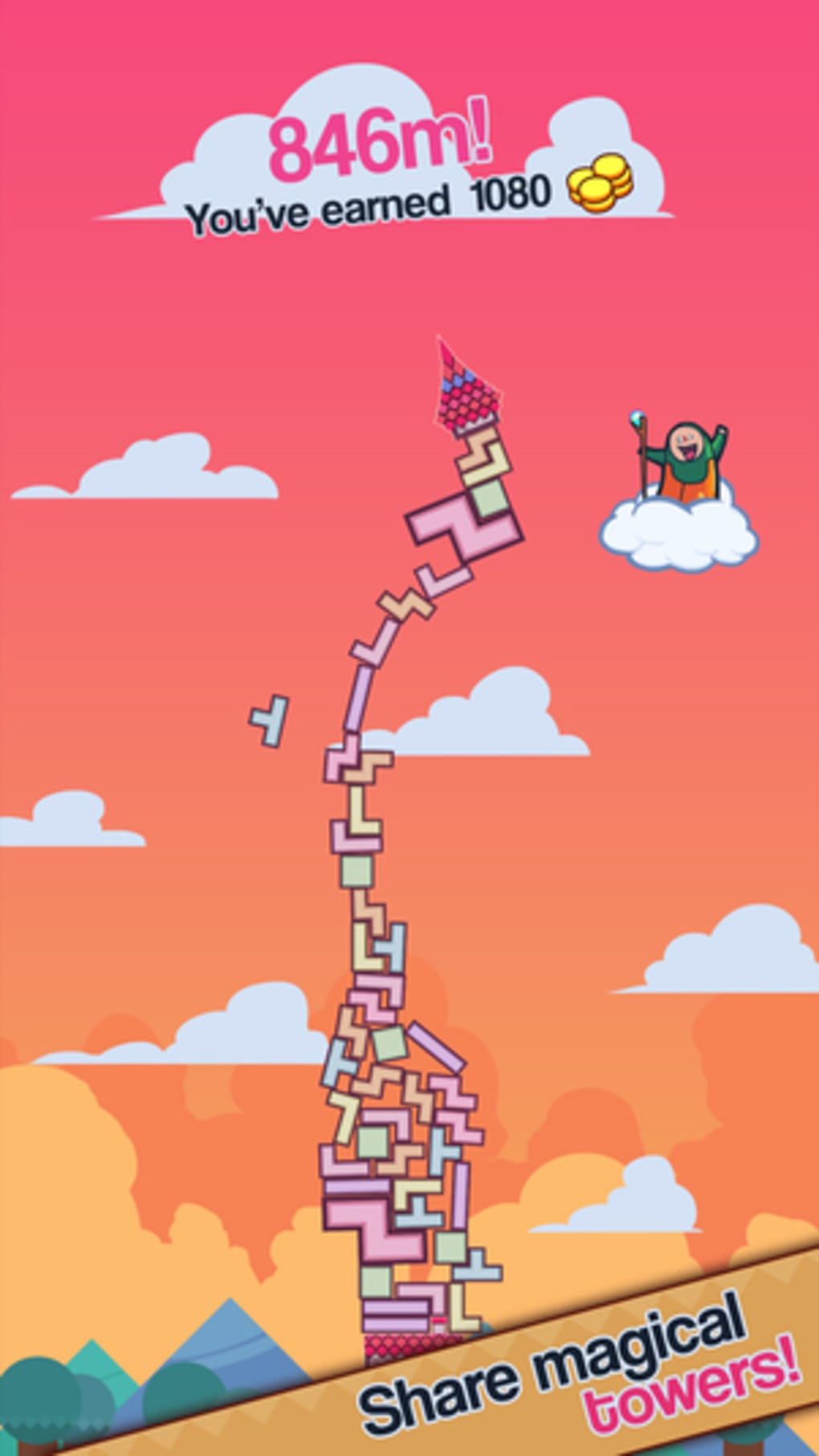
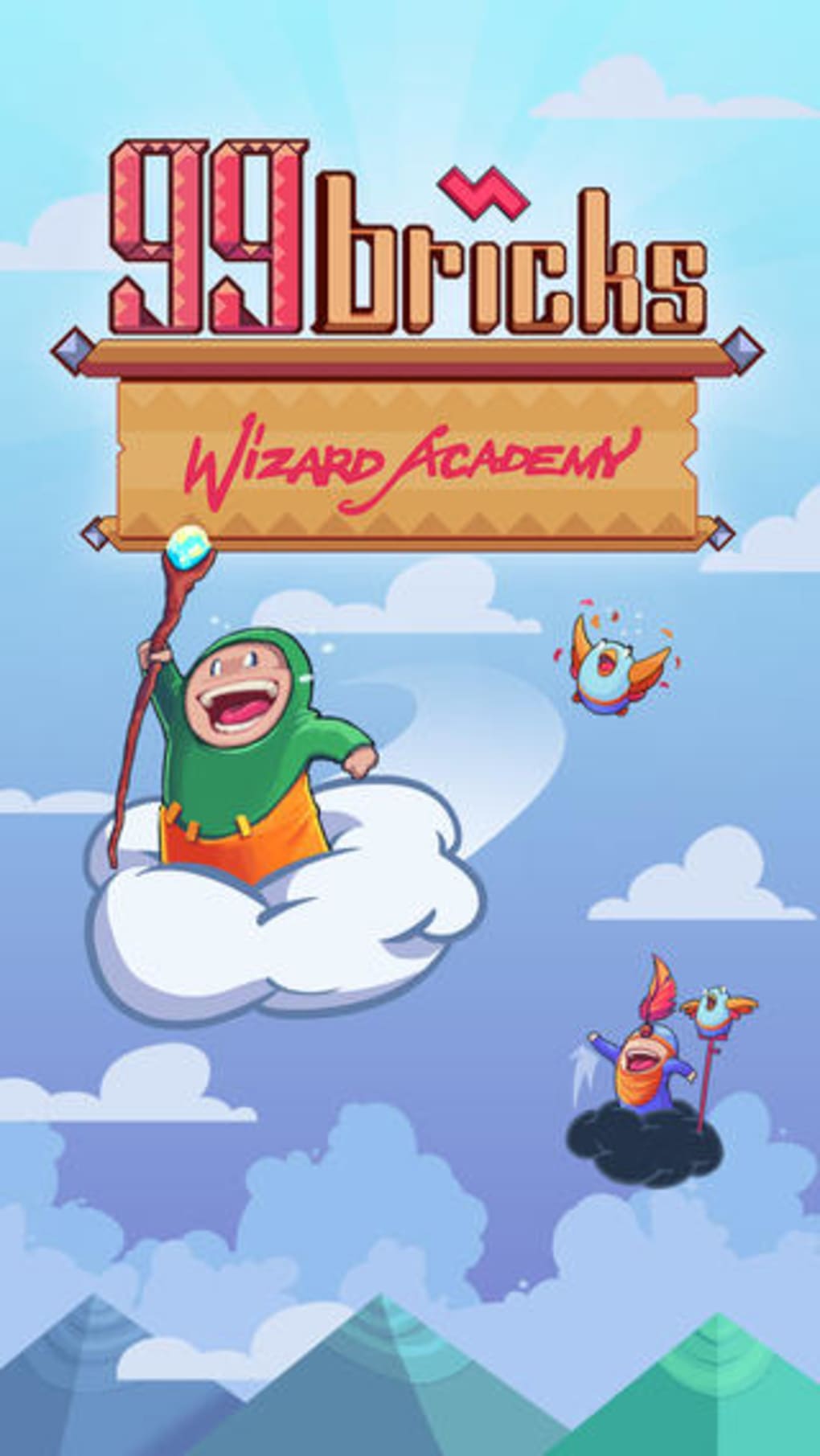
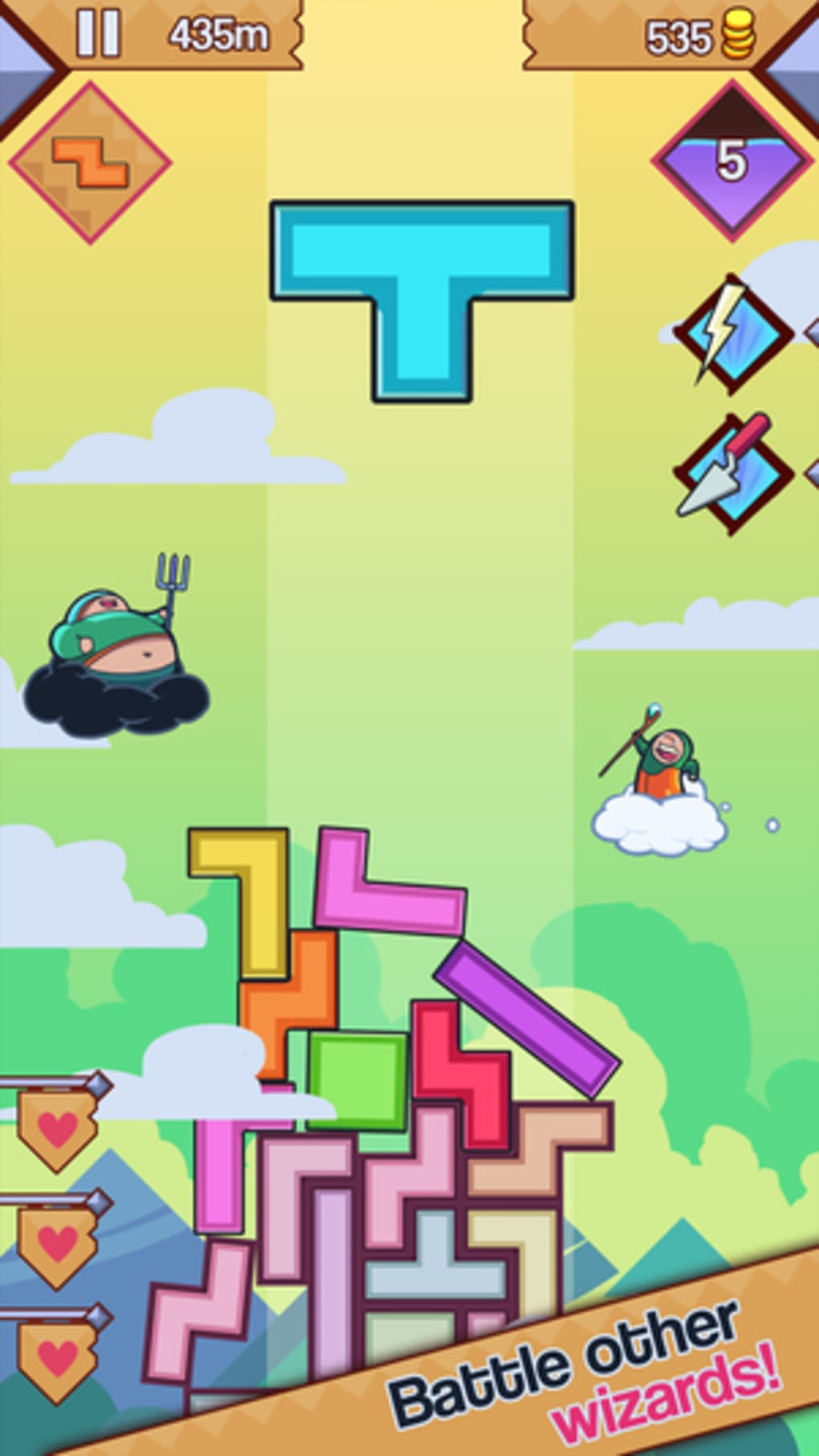
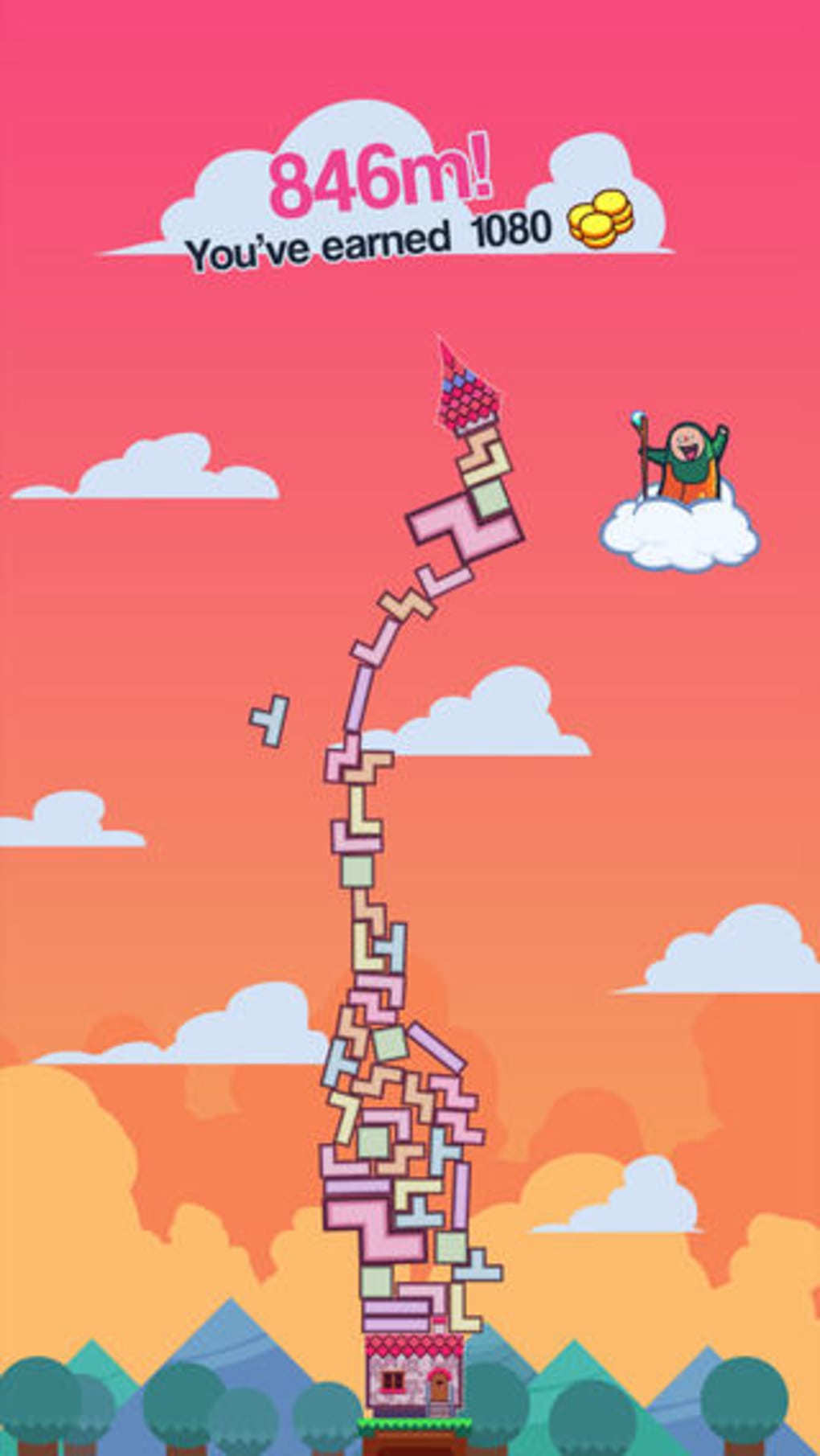
99 Bricks Wizard Academy blends the classic mechanics of Tetris with the precarious balance of Jenga, wrapped in a whimsical magical theme. The game challenges players to construct the tallest possible tower by stacking falling block shapes, all while managing the growing instability caused by realistic physics. Each level introduces new obstacles, including mischievous wizards who cast disruptive spells that alter block behavior or destabilize the structure. The core goal is simple: build as high as possible without losing three lives. This design creates a dynamic tension between precision and patience, appealing to fans of strategy and puzzle games. The game’s cheerful visuals and upbeat soundtrack enhance the playful tone, making it accessible to casual players while still offering depth for more experienced gamers. Its focus on tower stability, real-time decision-making, and progressive difficulty ensures sustained engagement. The developer has positioned the game as a desktop adaptation of a mobile phenomenon, bringing a beloved genre to PC platforms with enhanced controls and visuals. While in-app purchases are available, they are not required to progress, allowing players to enjoy the core experience without financial commitment.
Key Features & Capabilities
- Physics-Based Tower Construction: Players must strategically place falling blocks to maintain structural integrity as the tower grows taller and increasingly unstable.
- Magical Spell System: Wizards appear at random intervals, casting spells that can solidify blocks, spawn pieces mid-air, or transform bricks into gold for bonus rewards.
- Progression Through Levels: The game features a structured progression system with challenges and unlockable content, encouraging repeated play and skill development.
- Customization Options: A shop system allows players to purchase outfits, upgrades, and spells, adding a layer of personalization and strategic depth.
- Touch-Inspired Controls: Optimized for mouse and keyboard, with tap-to-rotate and swipe-to-drop mechanics adapted from mobile gameplay.
Each feature serves to deepen engagement and extend replayability. For example, the spell system introduces unpredictable variables, forcing players to adapt their stacking strategies mid-game. The leveling system rewards persistence, while the customization options provide a sense of ownership over the wizard character. The game’s mechanics are designed to be intuitive yet challenging, making it suitable for both short sessions and longer gameplay marathons. The absence of mandatory in-app purchases ensures that core gameplay remains accessible, though optional upgrades can offer a competitive edge.
User Interface, Workflow & Performance
The user interface is clean and focused, with a central tower display that dominates the screen. The block preview and landing guide are clearly visible, helping players anticipate placement. Navigation is straightforward, relying on simple input methods that translate well from touch to desktop. The workflow follows a predictable rhythm: blocks fall, players rotate and position them, then confirm placement. This loop remains consistent throughout gameplay, minimizing cognitive load. Performance observations are based on general software behavior patterns. The developer did not specify resource usage details, but the game’s 1.2 GB size suggests moderate system demands. Stability appears reliable during typical play sessions, though prolonged use may affect performance depending on hardware. CPU and RAM behavior were not disclosed. The game runs without visible lag or frame drops in standard conditions, maintaining smooth animations and responsive controls. The visual style is lightweight, with bright colors and minimal particle effects, which helps maintain consistent performance across various systems.
Compatibility & System Requirements
99 Bricks Wizard Academy is available for both Windows and Mac operating systems. The software version is 1.0.0, with a file size of 1.2 GB. Platform compatibility information is limited to these two systems. The developer did not provide additional system requirements. Exact system requirements were not listed. Compatibility with older or lower-end hardware is unknown. Installation is straightforward, and the game launches without dependency errors in standard environments. Users should ensure sufficient disk space and a stable internet connection for updates and potential cloud sync features. No specific hardware requirements were mentioned, so performance may vary based on individual configurations.
Pros and Cons
Pros
- Engaging blend of Tetris and Jenga mechanics with a unique magical twist
- Well-designed physics engine creates realistic tower instability
- Progression system with challenges and unlockable content encourages long-term play
- Customization options enhance player investment and replayability
- Free to download and play, with optional in-app purchases that don’t block progress
Cons
- Difficulty spikes can lead to frustration without clear guidance
- Limited visual preview of block landing space may increase error rate
- No detailed system requirements provided
- Some players may find the random spell effects disruptive rather than fun
- Performance on low-end systems may vary due to lack of resource specifications
FAQ Section
Is 99 Bricks Wizard Academy free to play?
Yes, the game is available at no cost. While it includes in-app purchases, they are not required to access the core gameplay experience.
What operating systems does the game support?
99 Bricks Wizard Academy is compatible with both Windows and Mac platforms.
Are there any in-app purchases, and do they affect gameplay balance?
Yes, the game features in-app purchases for cosmetics, upgrades, and spells. However, these are optional and do not impact the ability to progress through the game.
Can I play the game offline?
Yes, the game does not require a constant internet connection to play. However, updates and cloud sync may need online access.
How often are updates released?
Update frequency is not specified. Players should check the official platform page for the latest version and patch notes.
Final Thoughts + CTA
99 Bricks Wizard Academy delivers a refreshing take on the falling-block genre by combining physics-driven tower building with magical interference. Its charming design, intuitive controls, and layered progression system make it a standout choice for puzzle enthusiasts seeking a blend of strategy and whimsy. While the difficulty curve can be steep and the lack of detailed system specs may raise concerns for some users, the game remains accessible and enjoyable for a wide audience. The free-to-play model ensures broad reach, and the optional purchases enhance rather than dictate gameplay. For fans of physics puzzles, tower construction, and magical themes, this title offers a satisfying and immersive experience. Download 99 Bricks Wizard Academy now and start building your legendary tower today.
Guides & Tutorials for 99 Bricks Wizard Academy
How to install 99 Bricks Wizard Academy
- Click the Preview / Download button above.
- Once redirected, accept the terms and click Install.
- Wait for the 99 Bricks Wizard Academy download to finish on your device.
How to use 99 Bricks Wizard Academy
This software is primarily used for its core features described above. Open the app after installation to explore its capabilities.
User Reviews for 99 Bricks Wizard Academy 0
No reviews found





